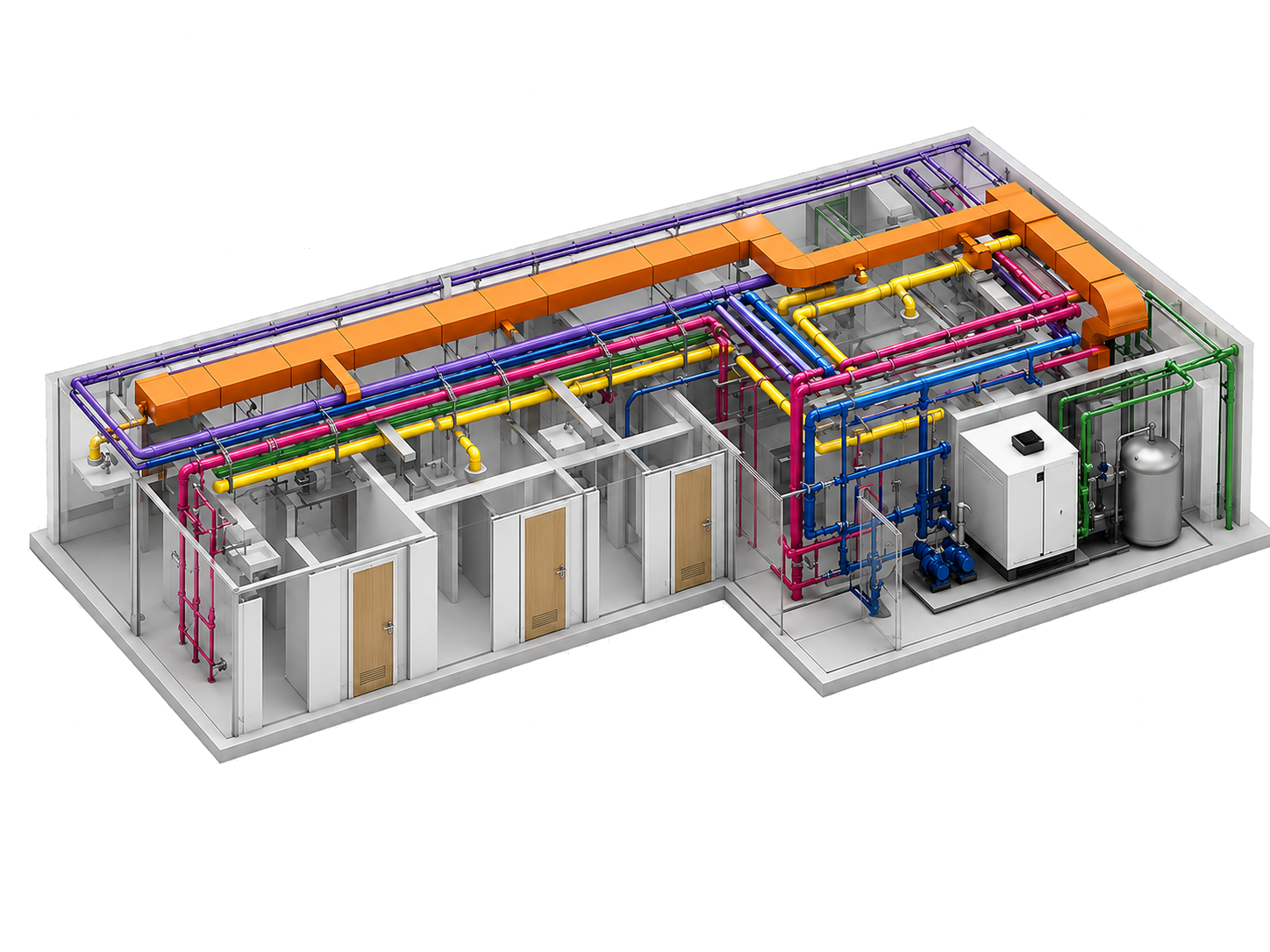
Engineer-controlled routing, connector workflows, elbow direction tools, and conduit-based cable runs.
Beta for MEP production inside Revit
Route, coordinate, document, and tag MEP work from one Revit suite.
MepMatix combines routing, cable runs, spacing, dimensions, clash visualization, QA, documentation, tagging, and hanger workflows into one coordinated Revit add-in. The beta is free while requests are reviewed and onboarded in batches.
Enter your email and we'll send you a secure setup link. You will create your password after verifying your email.
- Free during beta
- Primary beta focus: Revit 2022
- Revit 2021-2024 requests reviewed during beta
Temporary clash coloring, reset tools, model checks, parameter comparison, and debug packages.
Sheets, schedules, exports, imports, renaming, tags, hangers, and documentation utilities.
Product: MepMatix Beta
Focus: Revit production workflows
Flow: Email verification -> password setup -> add-in login
Why teams care
MEP production slows down when routing, coordination, documentation, and annotation are split across disconnected tools.
Disconnected Revit work
Routing, cable runs, spacing, dimensions, tagging, exports, and checks often become separate manual routines.
Coordination pressure
Teams need quick ways to visualize clash zones, isolate focus areas, compare parameters, and reset view overrides safely.
MepMatix approach
Bring high-frequency MEP workflows into one consistent add-in so teams spend more time engineering and less time rebuilding process glue.
Core capabilities
Capabilities from the actual MepMatix ribbon
This page now reflects the latest add-in structure: workflow automation, coordination tools, documentation utilities, tagging, hangers, and QA support for Revit MEP work.
Routing and connection
RouteMatix, ConnectMatix, Elbow Direction, and RouteMatix Cables support deterministic routing, branch-aware workflows, and conduit-based cable paths.
Spacing and placement
SpaceMatix Align, SpaceMatix Dimension, PlaceMatix, AlignMatix, and MagicMatix help organize elements, spacing, dimensions, and room-based placement.
Coordination and QA
Clash Coloring, Reset Clash Coloring, QAMatix, ParaMatix, CalculateMatix, Scope, and Debug help teams review, focus, validate, and diagnose models.
Documentation output
SheetMatix, ScheduleMatix, ExportMatix, ImportMatix, and RenameMatix support publishing, schedule exchange, project standards, and clean deliverable naming.
Tags and annotation
Auto Tag and TagMatix help place, arrange, clean up, and standardize tags so MEP views stay readable.
Hangers and VCD
HangerMatix and VCD placement bring frequent mechanical coordination tasks into the same production-focused toolkit.
How the beta request works
A simple path from interest to reviewed onboarding
Enter your email
Submit your email and optional team context so MepMatix can prepare your beta account.
Open the secure link
Supabase sends a secure email setup link that redirects you to the password creation page.
Use the add-in
Create your password, then sign in inside the MepMatix Revit add-in using your email and password.
Free beta access
Use the beta period to match MepMatix with real MEP production teams.
MepMatix is currently available free during the beta period. Beta access is limited-time and may expire automatically. Pricing and licensing may change after beta.
Beta accounts are controlled by an expiry-based license. When your account is ready, you will receive a secure setup link by email and create your password after verification.
FAQ
Questions users will ask before they register
Is MepMatix Beta free?
Yes. MepMatix is currently available free during the beta period. Beta access is limited-time and may expire automatically. Pricing and licensing may change after beta.
Why do users need to register?
Registration creates the first step of the beta account flow. After submitting your email, you receive a secure setup link and create your password after verification.
Which workflows are included?
MepMatix includes routing and connection tools, cable routing, spacing and dimensions, clash visualization, QA, documentation, tagging, hangers, VCD placement, and model diagnostics.
Does Clash Coloring detect clashes?
No. Clash Coloring is a coordination helper for active-view visualization, selection focus, and safe reset workflows. It is not a clash detection engine.
Which Revit versions should I request?
Revit 2022 is the primary beta focus. Teams using Revit 2021, 2023, or 2024 can still request review during beta onboarding.