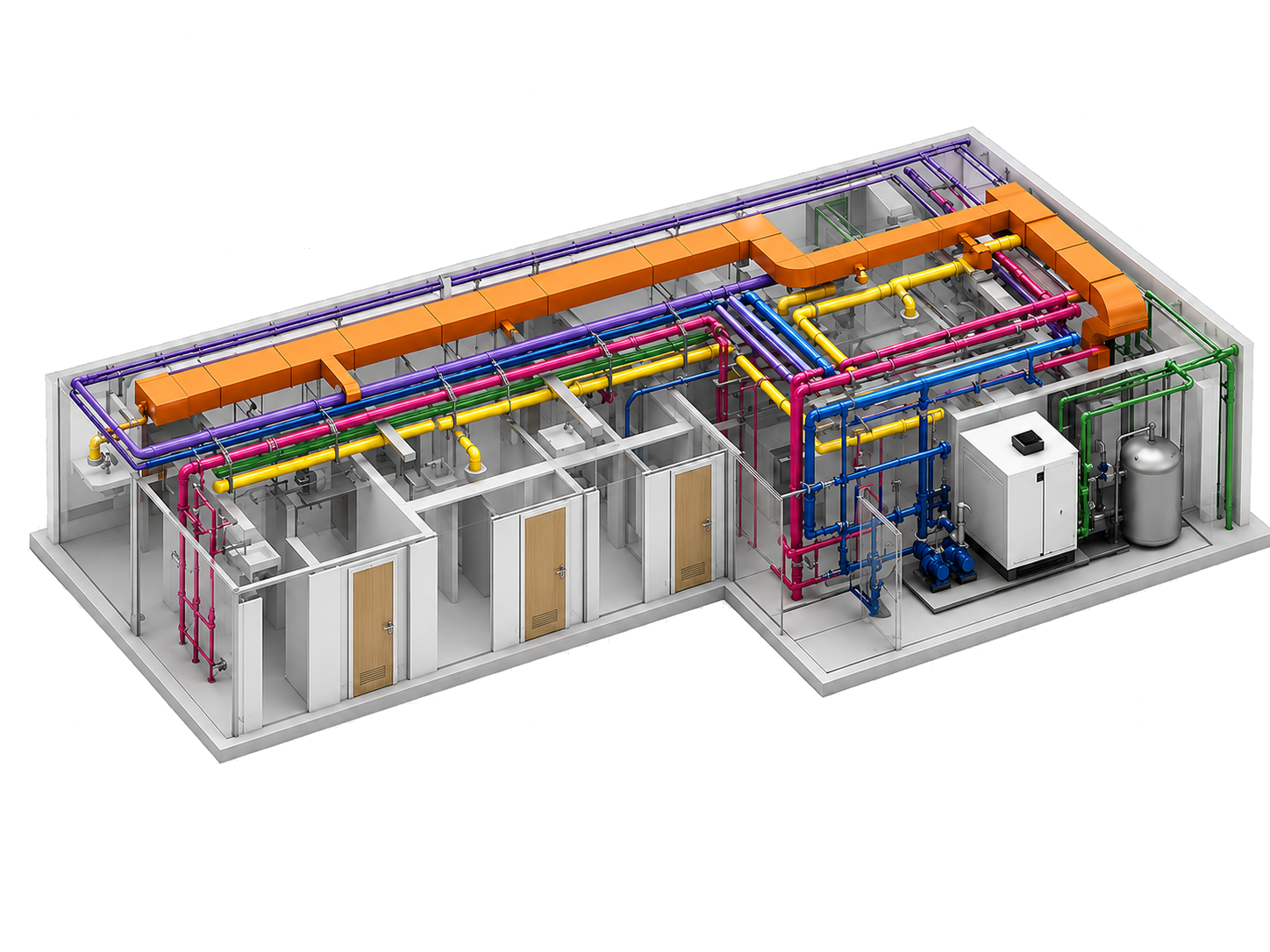
Routing, placement, tagging, exports, schedules, QA, and hangers in one suite.
Built for MEP production inside Revit
One Revit add-in. Faster routing, tagging, exports, QA, and documentation.
MepMatix brings your MEP workflows into one coordinated toolkit. The beta is free right now. Register your details to request access, track interest, and deliver onboarding through Supabase automatically.
- Free during beta
- Built around native Revit workflows
- Registration captured automatically for onboarding
Free beta with registration-first onboarding for each user or team.
Cloudflare Pages function submits leads securely into your Supabase project.
Beta: Access is currently free
Flow: Register -> store lead -> unlock onboarding
Target: MEP engineers, BIM coordinators, and Revit teams
Why teams care
MEP production slows down when every task lives in a different script, tool, or spreadsheet.
Fragmented production
Routing, tagging, exporting, checking, renaming, and sheet work often get split into disconnected steps.
Manual QA pressure
Teams lose time reviewing deliverables, correcting naming, checking parameters, and repeating model hygiene tasks.
MepMatix approach
Bring high-frequency Revit workflows into one consistent add-in so your team spends more time engineering and less time patching process gaps.
Core capabilities
A broad toolset that matches the add-in you already have
The page copy below is based on the actual ribbon structure in this repository, not placeholder SaaS features.
Workflow automation
ConnectMatix, RouteMatix, PlaceMatix, AlignMatix, and MagicMatix help automate repetitive MEP design steps directly inside Revit.
Documentation control
SheetMatix, ScheduleMatix, ExportMatix, RenameMatix, and ImportMatix support cleaner issue workflows and publishing output.
Model analysis
QAMatix, ParaMatix, CalculateMatix, Scope tools, and debug packaging make QA, data checks, and diagnostics easier to run.
Tagging workflows
Auto Tag, Arrange Tags, tag settings, and focused tagging utilities support readable annotation across MEP views.
Hanger workflows
HangerMatix and VCD placement cover mechanical coordination tasks that usually live outside the main design flow.
Beta-ready onboarding
Every registration can be captured in Supabase so you can track who asked for access, which team they belong to, and what they want first.
How the beta flow works
A clean path from first visit to beta delivery
User registers
The visitor fills out name, email, company, team context, and Revit version on the landing page.
Cloudflare receives the request
A Pages Function validates the payload, timestamps it, and sends it to Supabase using server-side secrets.
You manage beta access
Your Supabase table becomes the source of truth for onboarding, review, approval, and optional download delivery.
Free beta positioning
Offer the add-in free while the product sharpens with real teams.
This layout intentionally emphasizes value before pricing and makes the beta offer feel deliberate: free now, registration required, onboarding controlled by your team.
MepMatix Beta is free for a limited group of MEP teams. Register to request access and we'll review, approve, and onboard users in batches.
FAQ
Questions users will ask before they register
Is MepMatix free?
Yes. This page is set up to present the current beta as free, with access managed through registration.
Why do users need to register?
Registration lets you track demand, manage beta approvals, understand use cases, and decide who receives onboarding or download links.
Where does the registration data go?
Form submissions are sent to a Cloudflare Pages Function and then inserted into a Supabase table on the server side.
Can I deliver a download automatically after signup?
Yes. The function supports returning a `BETA_DOWNLOAD_URL` if you want to reveal or email a direct download after successful registration.
Which Revit versions are reflected in this repo today?
The repository currently includes add-in manifests for Revit 2021 and 2022. The beta form reflects those validated versions and still lets teams request other versions for follow-up review.